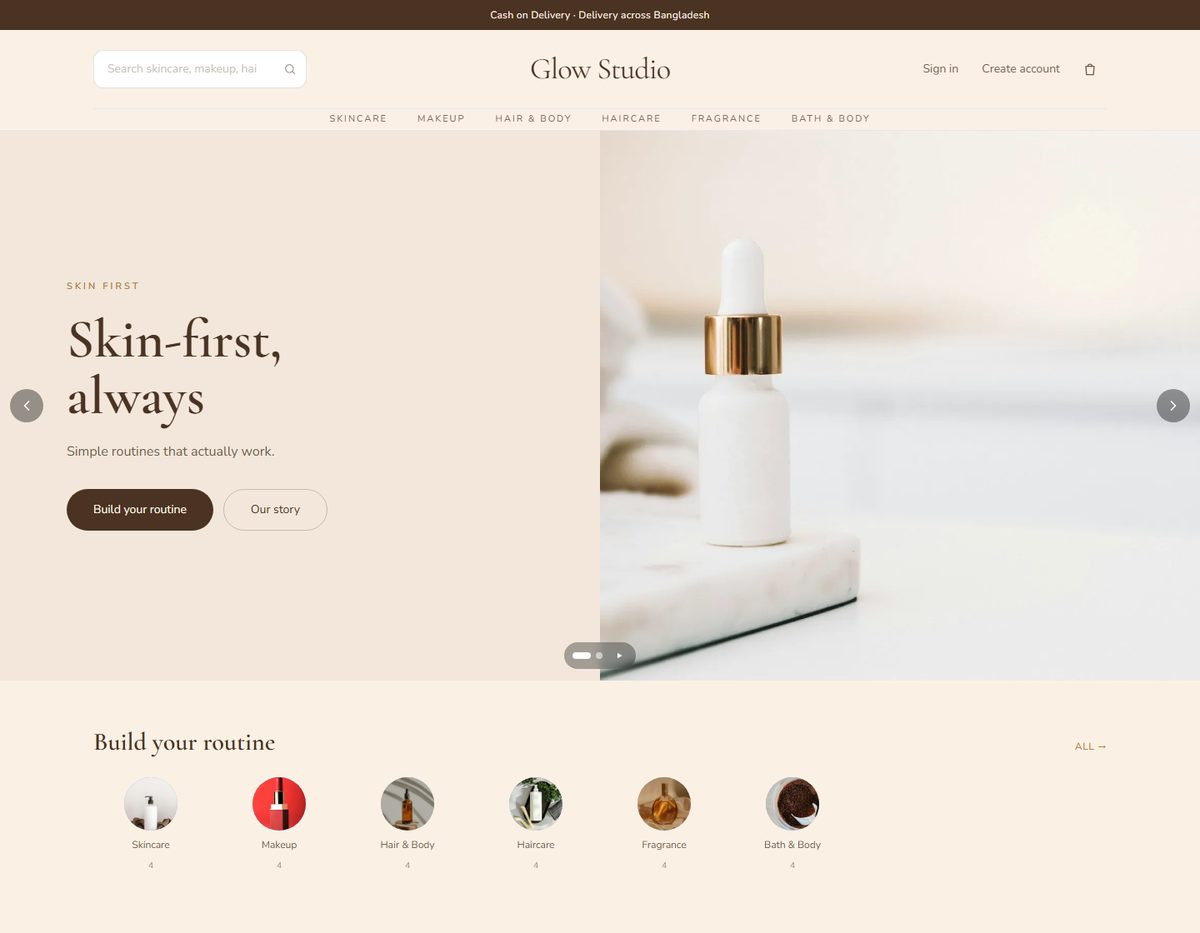
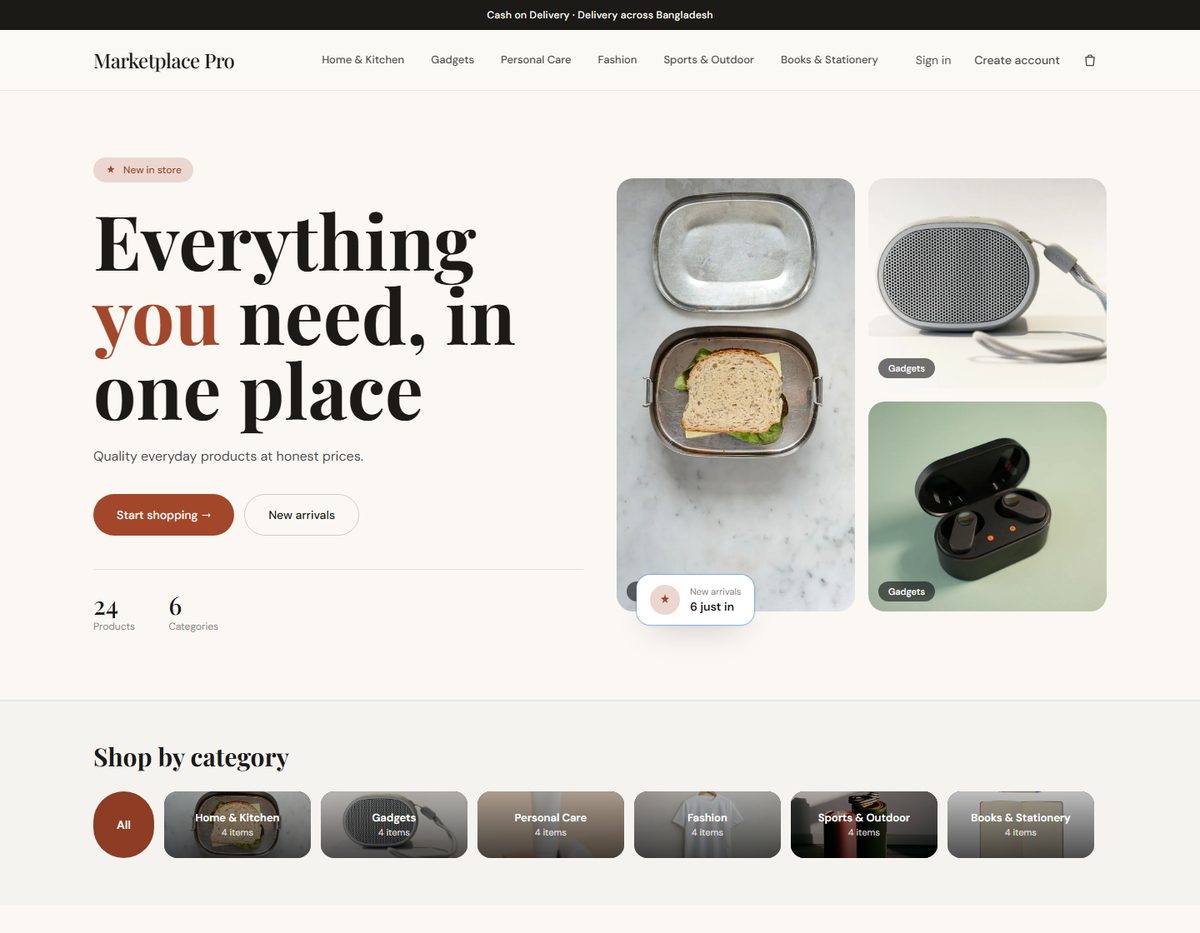
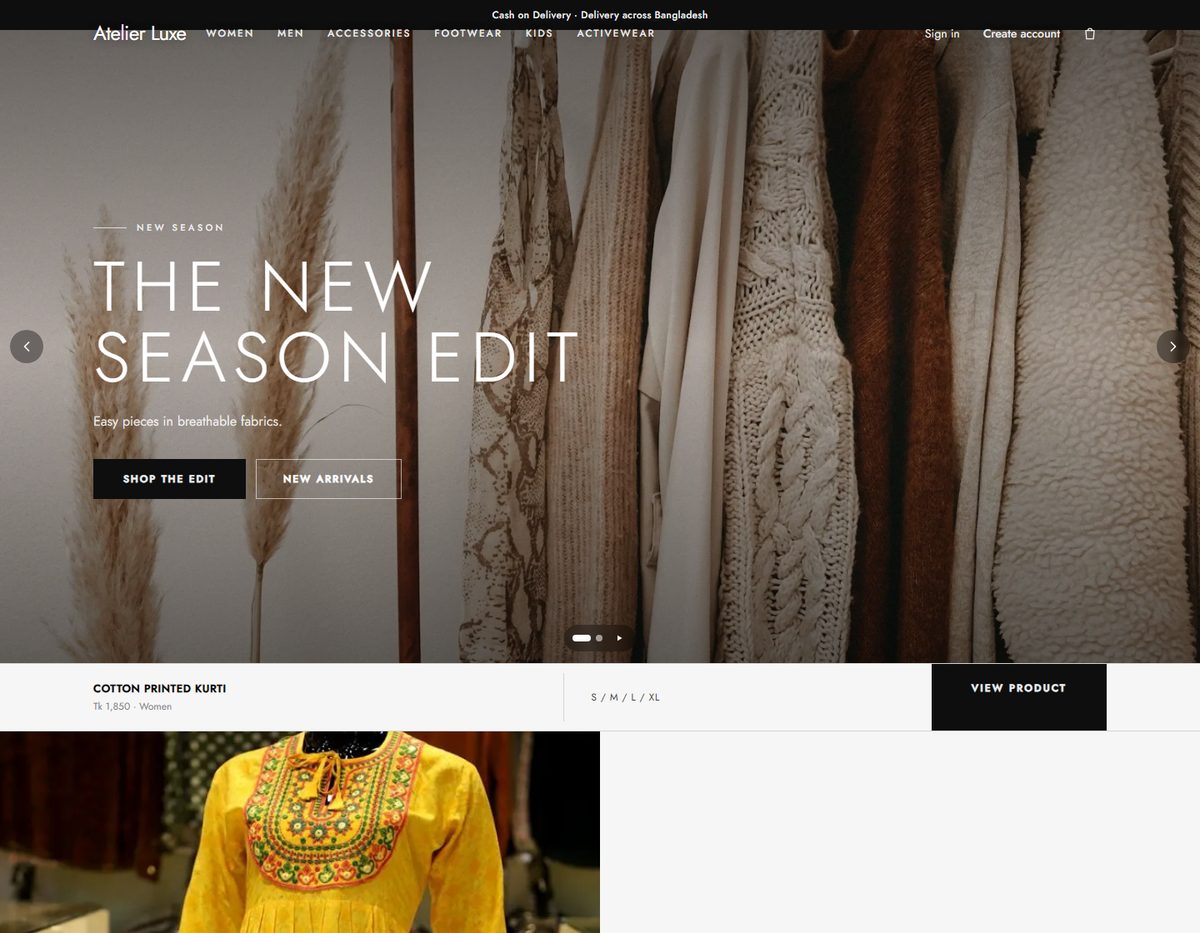
Different structure, not just different colours
Designs differ in header, product cards, home page layout and typography, so a fashion boutique does not look like a grocery store. Colours, fonts and shapes follow the design everywhere: home, categories, products, bag and checkout.
- Staff can browse the whole store in any design before activating it.
- Switching a design changes nothing else: products, orders, checkout rules and URLs stay as they are.
- Premium designs are available on selected plans.
Fast where your shoppers are
Pictures are resized when uploaded and served as WebP with a fallback, banner sliders load one picture first, and pages are readable by search engines. That matters on mobile data, where most shoppers are.
Start with something on the shelves
When you open a store you can choose what you sell and start with sample products and banners in the design you picked. They are clearly yours to edit or remove in one action, and they never change when you switch design later.
Questions, answered.
Can I change my design later? +
Yes, any time. Preview it first on your own products; activating it is a separate step.
Will switching break my store? +
No. A design changes presentation only. Checkout, cart, sign-in and your data are the same in every design.
Are all designs on every plan? +
No. Premium designs are on selected plans; the pricing page shows which.